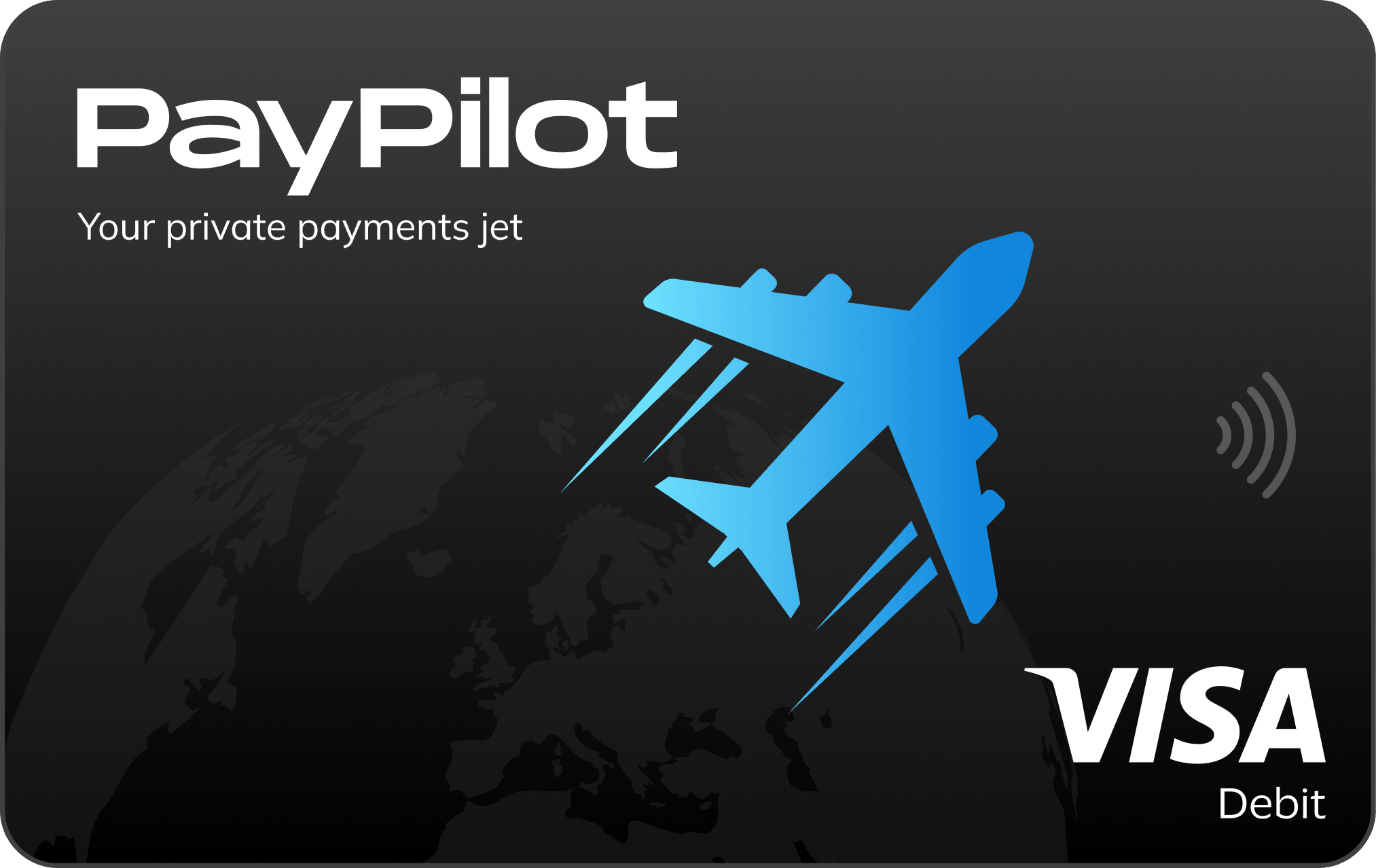
Create your link and start earning
Share PayPilot with friends and earn 100 USDT for every active friend plus 50% of our fee on each of their exchanges. Paid out weekly. Enter the email you use in the app and your personal link and QR code will be ready in seconds.
How to install the application
Why isn’t the app installed from the App Store? PayPilot isn’t yet available in all App Store countries. Therefore, Apple offers a second official installation method, called TestFlight. This is Apple’s own app, available in the App Store, and used by millions of people. There’s nothing dangerous about it.
Copy the invitation code. You’ll need it in a couple of minutes during registration.
Open the App Store and install the TestFlight app. It has a blue icon with a white propeller.
Install TestFlight
Return here and click the button below. TestFlight will open.
Open PayPilot in TestFlight
In TestFlight, click the blue Accept button, then click Install. The PayPilot icon will appear on your phone screen.
Open PayPilot and enter the code. On the “Enter invite code” screen, tap Paste. If you copied the code, it will paste automatically.
This is the most important step. If you missed it, you can add the code later in the app so you don’t lose the invitation.
Next, the app will ask for a photo of your passport and a selfie. Verification takes 5 minutes. A passport or European residence permit is required.
Copy the invitation code. You will need it during registration.
Click the button below. The file will download to your phone automatically.
Download app
Open the downloaded file. It’s located in the notification bar at the top or in the Downloads folder.
Your phone will ask for permission to install. Tap Allow, then Install. This is the standard Android prompt for apps not from the app store.
Open PayPilot and enter the code. On the “Enter invite code” screen, tap Paste.
This is the most important step. If you missed it, you can add the code later in the app.
The app will ask for a photo of your passport and a selfie. Verification takes 5 minutes.
The same page will open on your phone.
If something didn’t work, message our VIP chat — we’ll help you install the app and issue your card.


What you get
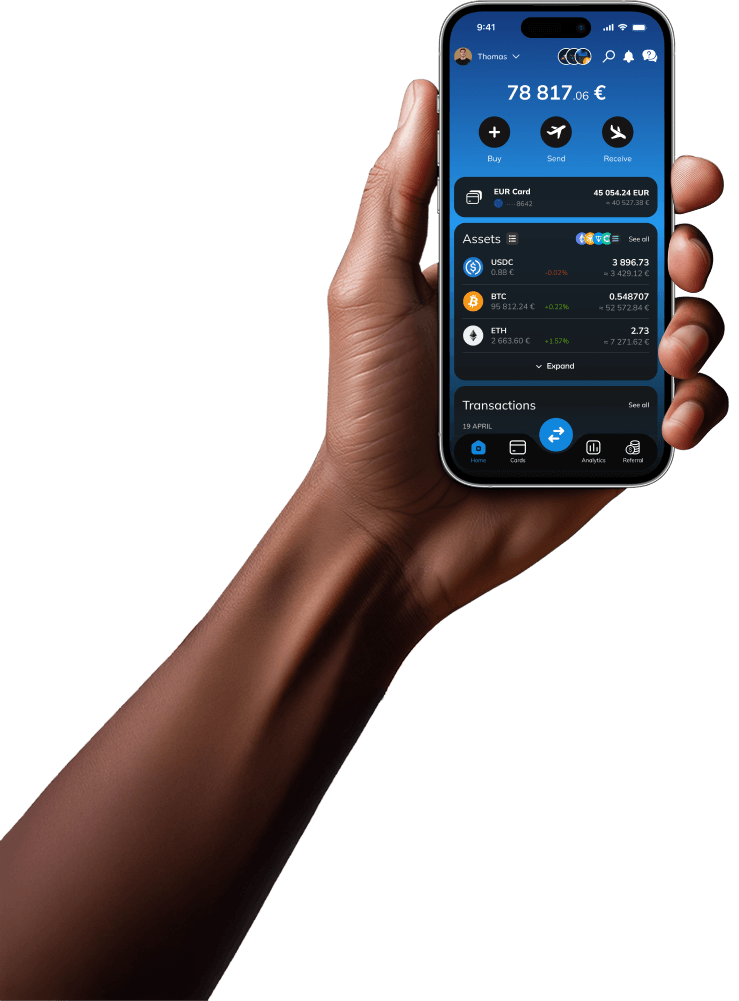

Money works like regular money
Top up your account, pay with your card in stores, online, and abroad. No transfers between apps.

European account in your name
A real IBAN. Receive euros from anywhere and transfer them anywhere.

Up to 10 cards, free issue
A separate card for subscriptions, travel, and online purchases. If something goes wrong, block one and move on.

Support in our VIP chat
If something goes wrong during installation, message us — we’ll help.
Briefly about who we are
What are the common questions asked before installation?

Use it to pay in stores, online, and abroad—anywhere cards are accepted. It works with Apple Pay and Google Pay just like any other card.

An account with a European IBAN in your name. Receive and send euros via SEPA and pay by card anywhere in the world.
Your invitation code
You only need to enter the code once when registering in the app. This code confirms that Anna invited you and unlocks the VIP benefits. If you forget to enter the code, you can add it later so the invitation won’t be lost.
Hint: Click “Copy Code” right now. Then, on the code screen in the app, just click “Paste,” and the code will be inserted automatically. No need to type it in manually.
No problem, no need to reinstall anything. You can add the code later in the app itself.
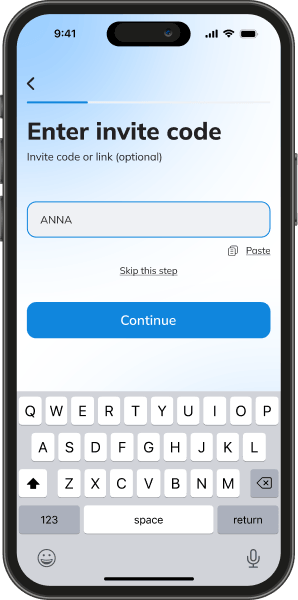
This screen will appear during registration. Click Paste and the code will be inserted.
FAQ
Frequently asked questions
I forgot to enter the code. What should I do?

You can add the code later, directly in the app; there is no need to reinstall anything. If you can’t find where to do this, message our VIP chat — we’ll guide you.
How much does it cost?
What is TestFlight and is it safe?
What documents are needed?
I don't have cryptocurrency, is the app suitable for me?
The app disappeared from my phone, what happened?